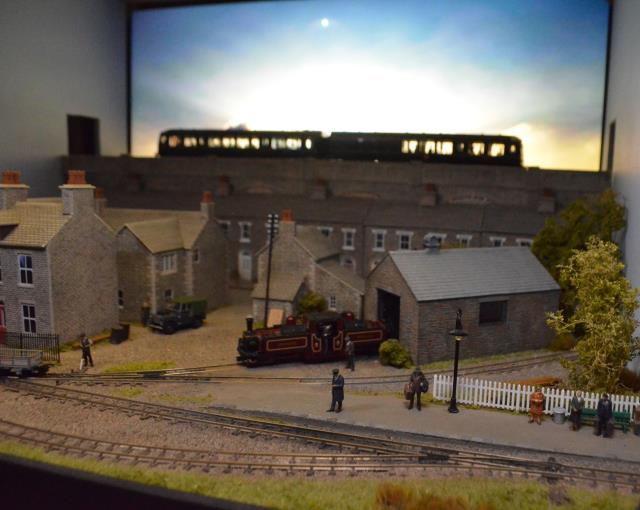
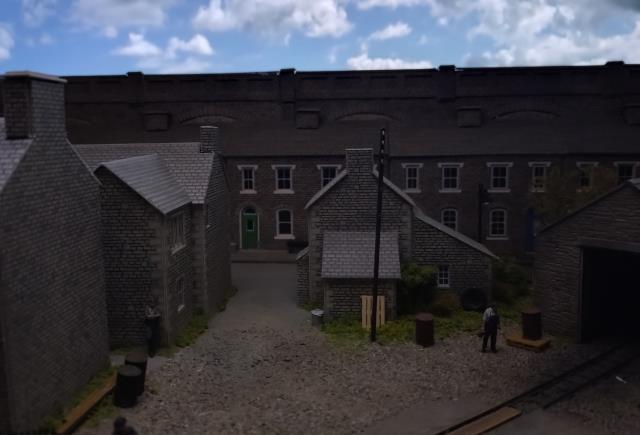
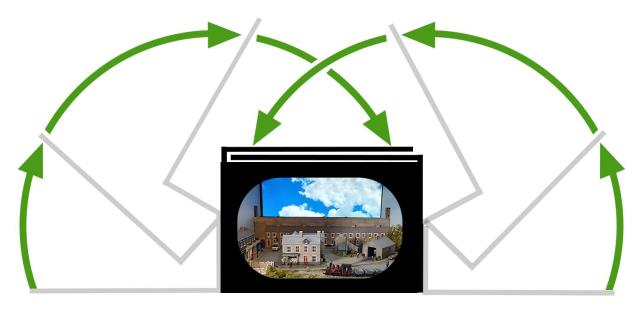
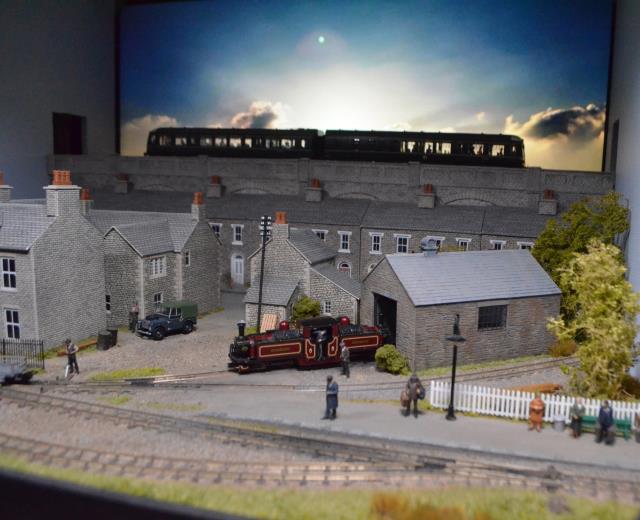
The box design of Bond Lane is crucial to enclose the scene and make it plausible to the eye. That design is not without it challenges, transportation and access being two. The main issue though is that it is really difficult to see what is happening when you are running unless you are stood right in front of it, which is not really an option at an exhibition. From the side, where we normally operate, it is also difficult to see the off scene loop at the other end of the layout too, despite it not being relatively open.
The first attempt we made was with a webcam. We already needed to take a laptop with us to run the video on the backscene so a way of viewing the footage was readily available, and the addition of a webcam to what we take with us does not add a lot of weight or require much space.
We drilled a hole in the roof of the layout, just above the station platform where we figured we would get the best view of the loop and sidings and positioned the webcam accordingly.
This results were exactly what we needed, a live image on the laptop screen showing us everything we needed in full colour. There was an occasional delay in the image which was not ideal, but it was certainly a vast improvement on how we had been operating up to that point.
We then set about adding a second webcam to try and give an image of the off scene loop on the far side of the layout. Repeating the process with an additional webcam provided the image we needed.
There were a couple of downsides to this solution. Firstly, the webcams were quite big and bulky, with lots of visible wires on top of the layout running to the laptop that could not really be hidden. The main problem, however, was that you could only really view one camera at a time on the screen.
We used this set up for a couple of exhibitions, but it soon began to feel a bit unwieldy and a bit of a nuisance to use.
Eventually we came across the idea of using a car reversing camera kit – these com with everything you need including the camera and a small screen to view the footage. The cameras tend to be pretty small and have a very wide field of vision too which gives a lot more flexibility in terms of where they can be placed.
There are some systems that can support multiple cameras on a single screen, but they to tend to be quite expensive and we ultimately found that buying two kits, each with one screen and one camera, was both the cheapest and gave us the most flexibility for operation.
The camera’s themselves sit on an adjustable bracket, and this can be fixed to the layout using sticky pads.
The power is the only complication, as the ones we purchased had cigarette lighter connectors. Initially we purchased some 3 pin to cigarette socket holder convertors but then ultimately found some standard adapters that could bypass the need for the cigarette lighter sockets completely, and power both cameras from one 3 pin socket.
This has made operation far easier and ultimately put on a better show with more shunting manoeuvres and greater use of the passing loop. The cameras also make another great talking point when showing visitors behind the scenes.
by Neil Limbrick
3979 views
2 years ago
by Neil Limbrick
2930 views
2 years ago
by Neil Limbrick
2778 views
2 years ago
by Neil Limbrick
2582 views
2 years ago
by Neil Limbrick
2275 views
2 years ago